Text in, image out
Send a prompt and get back PNG, JPEG or WebP. There are no input images; the prompt is the whole request.
image.generate
z-image-turbo implements image.generate on Windpaint. Fast text-to-image. Open-source, Apache-2.0, from $0.004 per image.
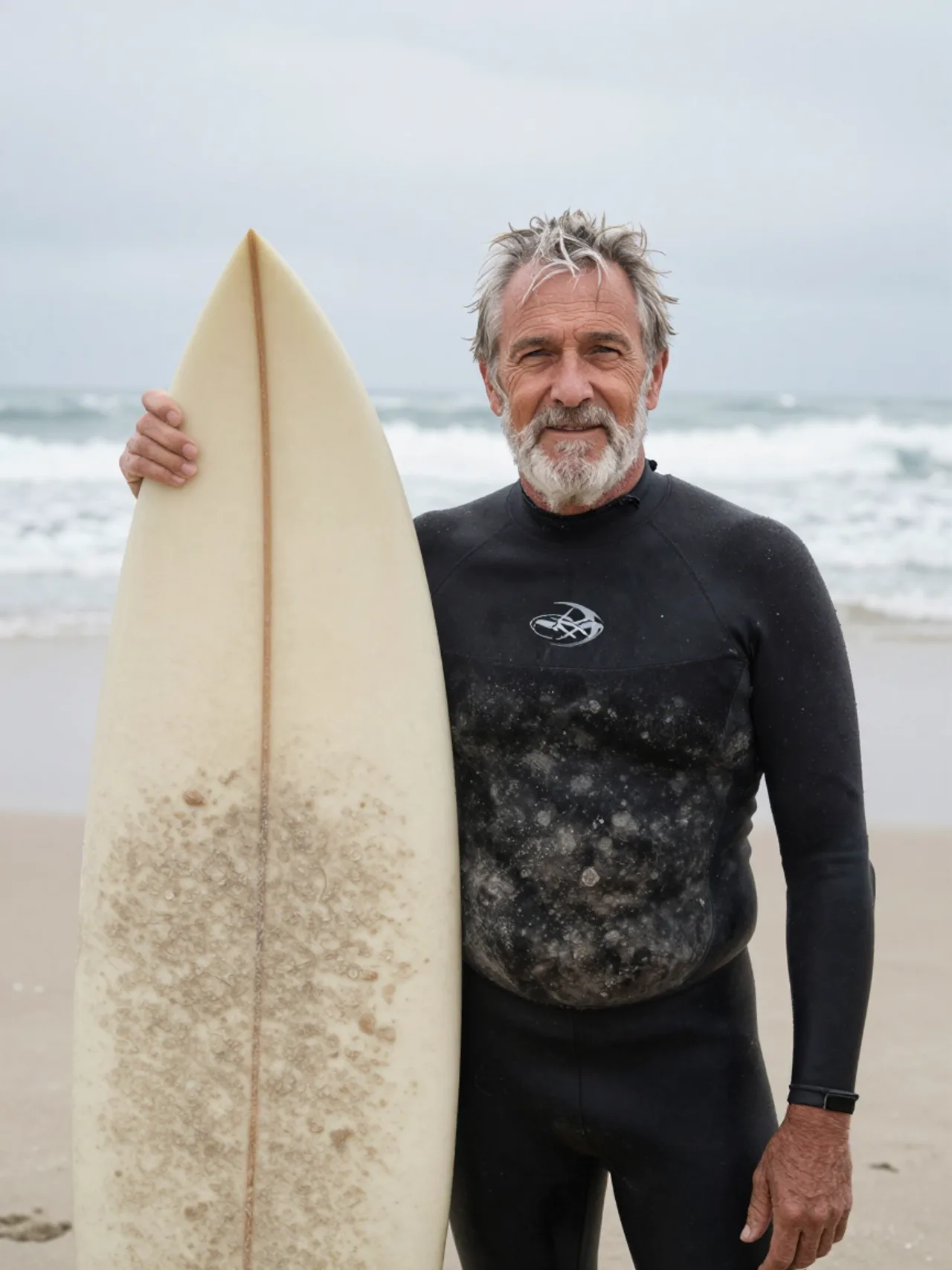
z-image-turboimage.generateThe catalog describes it as “Z-Image Turbo. Fast, 8-step text to image.” Up to 4 images per request (num_outputs), PNG, JPEG or WebP.
Send a prompt and get back PNG, JPEG or WebP. There are no input images; the prompt is the whole request.
image.generate
Set num_outputs from 1 to 4 for variations of one prompt. You pay per image delivered, not per request.
num_outputs
The same prompt, resolution, aspect ratio and seed give the same image, so you can change one setting and compare.
seed
Prices are fixed per output at the tier you ask for, and locked when you submit. One credit costs $0.05.
1kPrice per output. 1 credit = $0.05. Aspect ratio and output format don't change the price.
A request with num_outputs set costs the per-image price times the images delivered. If the model delivers fewer than you asked for, the rest of the hold is released.
Failed, refused and canceled jobs aren't charged. Pricing covers credits, top-ups and storage.
Submit to POST /v1/generation/capabilities/image.generate. A prompt. No input media. Anything outside these values returns 422.
| Field | Values | Default | Notes |
|---|---|---|---|
prompt | string | none | Required. Sent to the model as written. |
resolution | 1k | 1k | Sets the long edge: 1024 px. |
aspect_ratio | any of the ten | 1:1 | Sets the short edge from the long edge. |
num_outputs | 1 to 4 | 1 | Images in one job, billed per image delivered. |
seed | integer | random | Same seed and same request give the same image. |
output_format | png, jpeg, webp | png | Re-encoded on the server. |
output_quality | 1 to 100 | 90 | jpeg and webp only. |
preset | preset slug | none | Wraps your prompt in a Windpaint template. |
webhook_url | https URL | none | Signed POST when the job finishes. |
The tier sets the long edge and the aspect ratio sets the other, rounded to a multiple of 16. Portrait ratios swap the edges.
| Aspect ratio | 1k |
|---|---|
1:1 | 1024 × 1024 |
4:3 | 1024 × 768 |
3:4 | 768 × 1024 |
3:2 | 1024 × 688 |
2:3 | 688 × 1024 |
16:9 | 1024 × 576 |
9:16 | 576 × 1024 |
21:9 | 1024 × 432 |
4:5 | 816 × 1024 |
5:4 | 1024 × 816 |
Most images finish within a few seconds of being picked up, so you can send Prefer: wait and get the finished job back in the submit response instead of polling.
curl -X POST https://api.windpaint.ai/v1/generation/capabilities/image.generate \ -H "Authorization: Bearer $WINDPAINT_API_KEY" \ -H "Content-Type: application/json" \ -H "Prefer: wait" \ -d '{ "model": "z-image-turbo", "prompt": "a ceramic teapot on a linen tablecloth, soft window light", "resolution": "1k", "aspect_ratio": "3:2", "seed": 7 }'curl -X POST https://api.windpaint.ai/v1/generation/models/z-image-turbo \ -H "Authorization: Bearer $WINDPAINT_API_KEY" \ -H "Content-Type: application/json" \ -d '{"prompt": "a ceramic teapot on a linen tablecloth", "num_outputs": 4}'{ "id": "d77a4c1e-9b2f-4a3d-8e6f-7a8b9c0d1e2f", "url": "https://api.windpaint.ai/v1/generation/assets/d77a4c1e-.../content", "content_type": "image/png", "width": 1024, "height": 688, "duration_s": null}The submit returns 202 with a request_id and a status_url. Send an Idempotency-Key header so a retried submit returns the first job instead of billing a second. Each output is an asset in your project; its id can go straight into another job's inputs, for example as the start frame of a video.
Windpaint sends your prompt to the model as written. There's no prompt rewriting and no negative prompt field. Plan to try a few seeds.
Start with what the image is of, then the setting, then lighting, camera and style. The model pays most attention to what comes early.
Say "studio product photo", "35mm film photo" or "flat vector icon". Without it, the model picks one.
There's no negative prompt, and writing "no people" can make people more likely. Describe the scene you want instead.
Put words in quotes and say where they go. Short text works better than long text; check the letters in the result.
| Use | Prompt | Settings |
|---|---|---|
| Product shot | “A matte black ceramic coffee mug on a pale oak table, studio product photo, soft light from the left, plain light grey background, shallow depth of field” | 1k, 1:1 |
| Editorial photo | “A fisherman mending a green net on a wooden dock at dawn, low fog over the water, muted colors, 35mm film photo, natural light” | 1k, 3:2 |
| Illustration | “Flat vector illustration of a bicycle courier riding through a city at night, limited palette of navy, orange and cream, clean shapes, no outlines” | 1k, 4:5 |
| Cinematic still | “A paper boat floating on a rain-soaked city street at dusk, puddles reflecting warm shop lights, low camera angle, cinematic photo” | 1k, 16:9 |
From Alibaba (Tongyi-MAI)'s own prompt tooling and examples. Their prompt enhancer isn't applied on Windpaint, but you can follow the same advice when you write the prompt.
A preset wraps your prompt in a Windpaint template and fills settings you leave out. Add "preset": "product-shot", or pin a version with @1. The price is the same as without one. Each swatch is a real output of its preset, with the subject that was sent.
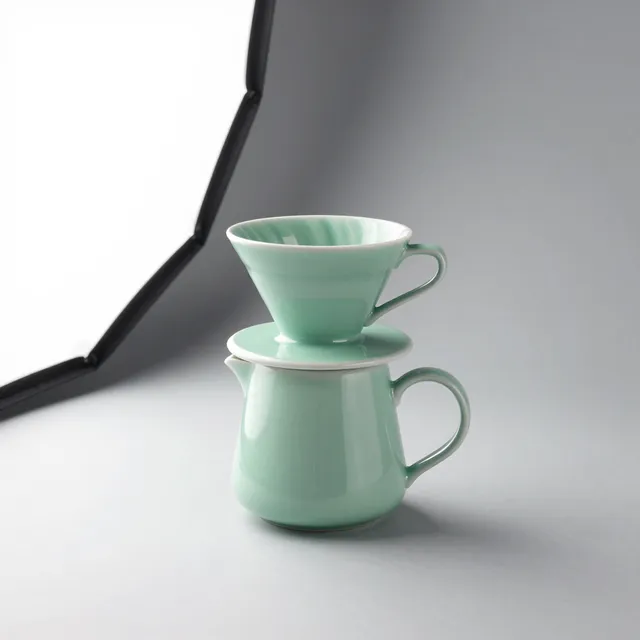
Product shot on seamlessA matte mint-green ceramic pour-over coffee set
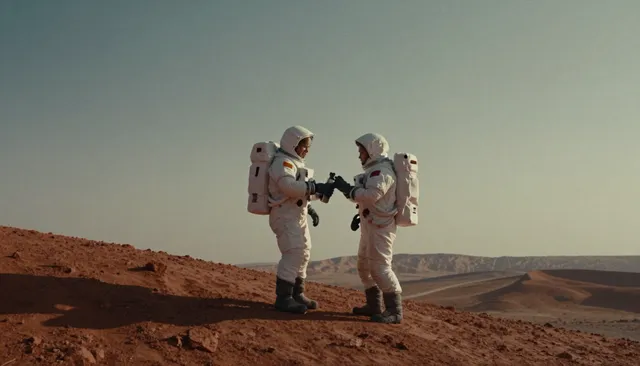
Cinematic stillTwo astronauts sharing a thermos on a dusty red ridge
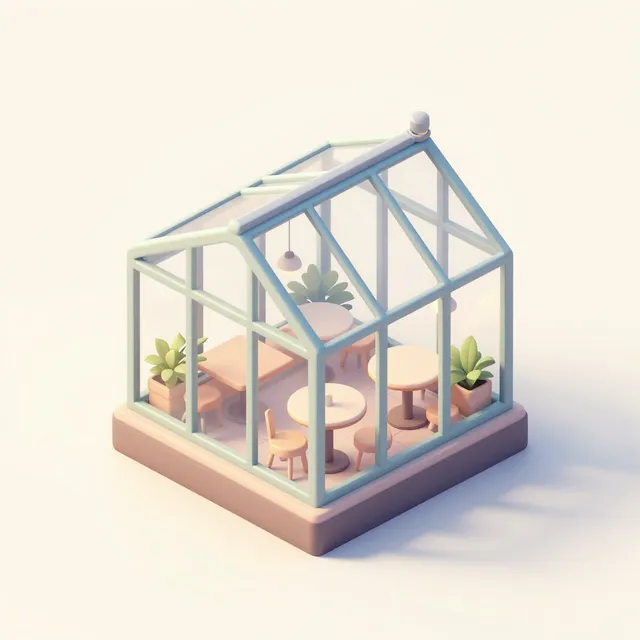
Isometric illustrationA tiny rooftop greenhouse cafe
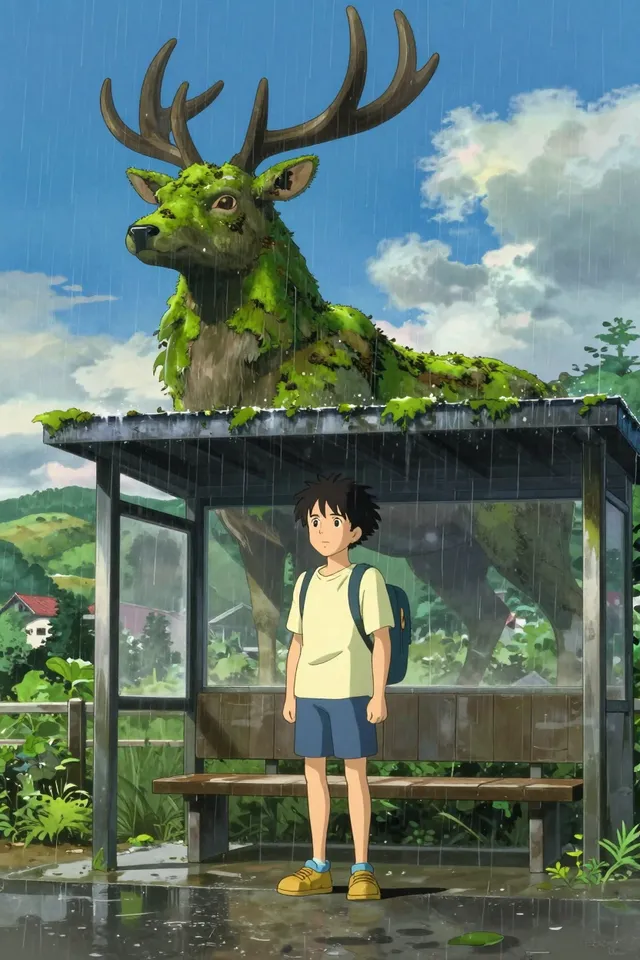
Anime key artA boy waiting at a rural bus stop in the rain beside a giant moss-covered stag spirit
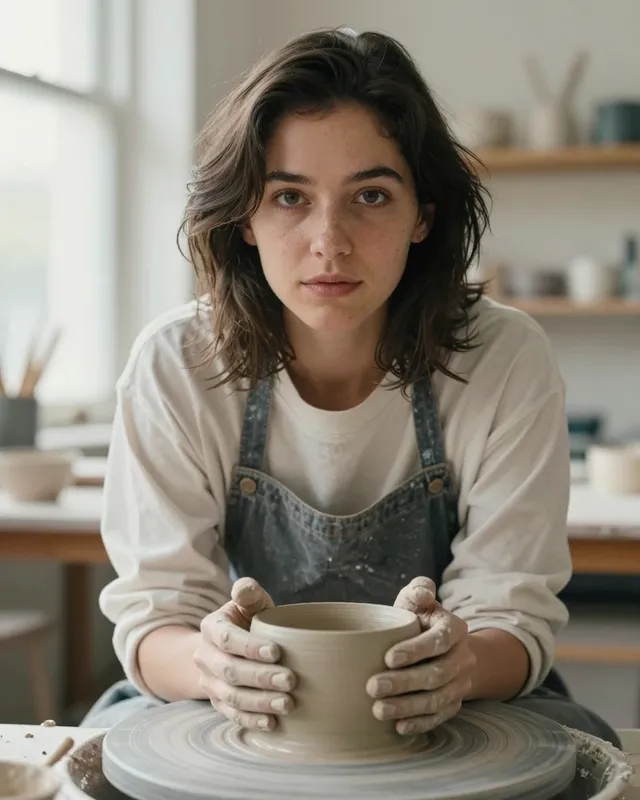
Editorial portraitA ceramicist in her studio with clay on her hands
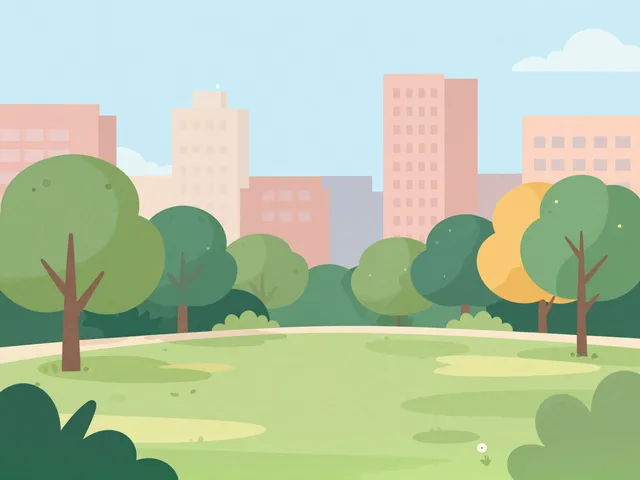
Flat vector illustrationA city park on a sunny Sunday
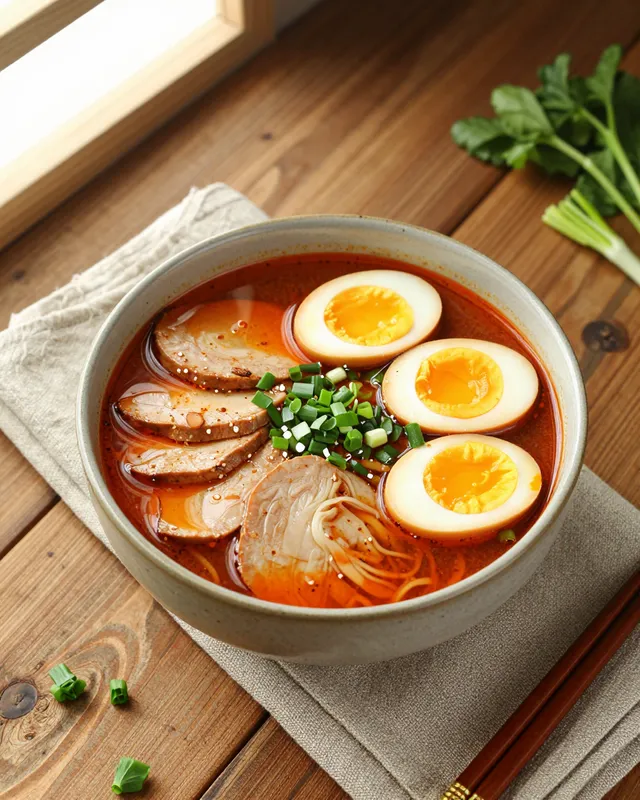
Overhead food photoA bowl of spicy miso ramen with soft eggs
Current limits on Windpaint, as the docs state them, then the ones the developer states for the model itself.
From the developer:
z-image-turbo is an open-source model licensed Apache-2.0.
Windpaint runs it on our own GPUs. Your prompts and inputs aren't sent to a third-party model API to make these outputs, and Windpaint doesn't train on your prompts, inputs or outputs.
Outputs are stored as assets in your project for your organization's retention period, 7 days by default. See Trust for moderation, data use and retention.
Licence: Apache-2.0.
Yes. Apache-2.0 allows commercial use, including running the model behind a paid API, with no revenue or user caps.
This is our reading of the licence, not legal advice. Read the licence text before you rely on it.
Published by Alibaba (Tongyi-MAI) for running the weights yourself. These aren't Windpaint's figures: Windpaint runs z-image-turbo on its own GPUs, so you don't need any of this to call it.
pipe.. Z-Image-Turbo model cardpipe.. The card notes the first compiled run takes longer. Z-Image-Turbo model cardWhat the developer's own code and examples use. On Windpaint, the tiers and aspect ratios in output sizes apply instead.
Steps, guidance and defaults from the developer's card and code. The Windpaint API doesn't take steps or guidance; these are for running the weights yourself.
num_inference_steps=9 (the card's comment says this gives 8 DiT forward passes, matching its 8 NFEs) and guidance_scale=0.0. The card says guidance should be 0 for the Turbo models. Z-Image-Turbo model cardFlowMatchEulerDiscreteScheduler with time shift 3.0, and its steps slider is fixed at 8. Z-Image-Turbo demo Space, app.py0.08 credits ($0.004) per image at 1k. Aspect ratio and output format don't change the price. A request with num_outputs set costs the per-image price times the images delivered. The 200 signup credits cover 2,500 images at 1k.
Yes. Z-Image Turbo's weights are licensed Apache-2.0, an OSI-approved open-source licence. Windpaint runs it on its own GPUs; your prompts and inputs are not sent to a third-party model API, and Windpaint does not train on them.
No. The price is held when you submit and captured only if the job completes. A failed, refused (nsfw) or canceled job releases the hold in full.
No. On Windpaint z-image-turbo is text-to-image only and takes no input assets; sending inputs returns 422. Image editing is defined in the API as image.edit but has no model yet.
The model starts from noise the size of the output, so a different aspect ratio is a different starting point. Keep the ratio fixed while you work on the prompt.
The tier sets the long edge and the aspect ratio sets the other, rounded to a multiple of 16, so some sizes are slightly off the exact ratio. Crop afterwards if you need an exact size. POST /v1/generation/estimate returns width and height before you pay.
The model card says it fits within 16GB-VRAM consumer devices. It also shows a CPU-offload option for memory-constrained devices. That's for running the weights yourself. On Windpaint the model runs on Windpaint's GPUs.
Yes. It's released under Apache-2.0, which allows commercial use.
The card's example uses 1024x1024. The official demo has presets in three size tiers (1024, 1280 and 1536) across eleven aspect ratios, from 1024x1024 up to 1536x1536 and 2048x1152. On Windpaint, the 1k tier sets the long edge to 1024 px, in ten aspect ratios.
Yes. The official demo ships a prompt-enhancer template that expands a short prompt into a detailed visual description and puts any text to render in double quotes. Windpaint sends your prompt to the model as written, with no rewriting.
No. The comparison table on the Z-Image card lists negative prompting and CFG as unsupported for Turbo. The undistilled Z-Image supports both.
Request early access. We’ll email you when your account is approved, with 200 free credits to spend in the first 30 days.