Wait
Send Prefer: wait and the submit returns 200 with the finished job, outputs included. If it takes longer than you allowed, you get the normal 202 and carry on polling.
Up to 60 seconds
Send a prompt to image.generate and get up to four images back, each stored as an asset in your project. It runs z-image-turbo by default, or flux-2-klein-4b, both Apache-2.0, at 1k, from $0.004 an image.
image.generatez-image-turbo, flux-2-klein-4b1kPOST a prompt to the image.generate capability. The response carries every output as an asset with its size and type.
Every field except the prompt has a default. Sending Prefer: wait holds the response until the job finishes, up to 60 seconds, which is usually enough for an image.
curl -X POST https://api.windpaint.ai/v1/generation/capabilities/image.generate \ -H "Authorization: Bearer $WINDPAINT_API_KEY" \ -H "Content-Type: application/json" \ -H "Prefer: wait=30" \ -d '{ "prompt": "a ceramic teapot on a linen tablecloth, soft window light", "resolution": "1k", "aspect_ratio": "4:5", "num_outputs": 2, "output_format": "webp", "seed": 7 }'{ "status": "completed", "request_id": "0f6c1d2e-8a3b-4c5d-9e7f-1a2b3c4d5e6f", "capability": "image.generate", "model": "z-image-turbo", "outputs": [ { "id": "d77a4c1e-9b2f-4a3d-8e6f-7a8b9c0d1e2f", "url": "https://api.windpaint.ai/v1/generation/assets/d77a.../content", "content_type": "image/webp", "width": 816, "height": 1024 }, { "id": "a3c90f12-...", "content_type": "image/webp", ... } ], "num_outputs": 2, "credits": { "estimate": "0.16", "actual": "0.16" }}id is an asset in your project, kept for your retention period.url needs your API key and redirects to a short-lived download link.content_type rather than an assumed extension when you save the file.A prompt is the only required field. Everything else has a default the model fills in.
One prompt with four seeds gives four different pictures. Send a seed again and you get its picture back. The paint on this page is seeded too, so each picture lands the same way every time you load it.
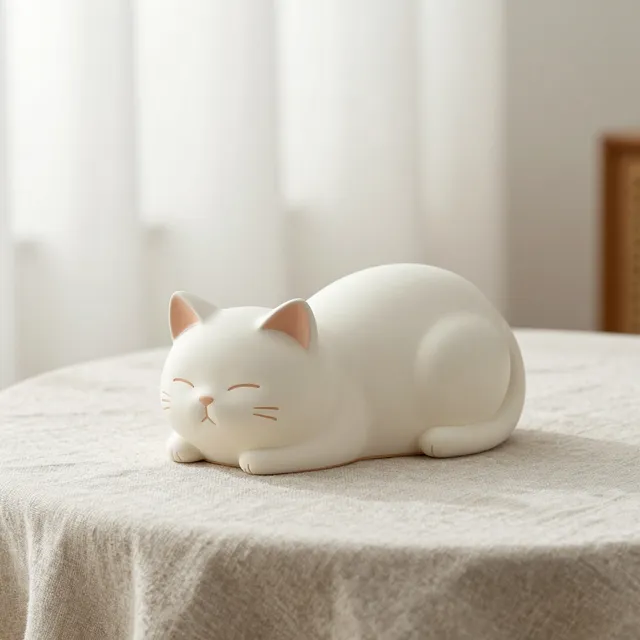
"seed": 1
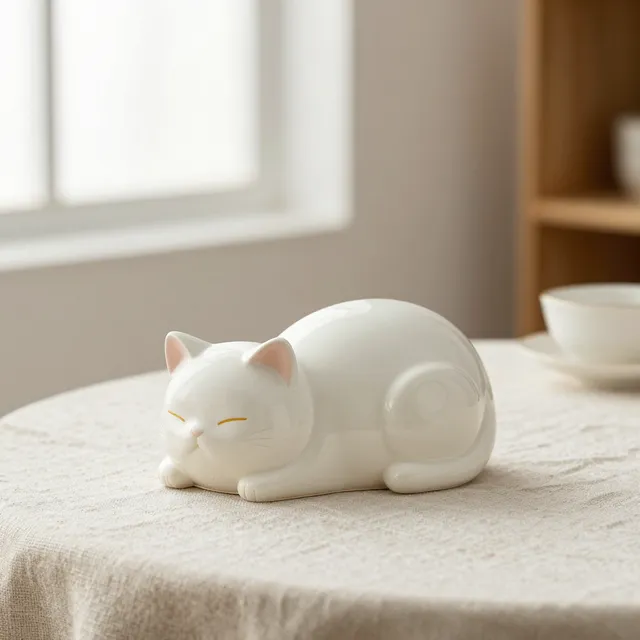
"seed": 2
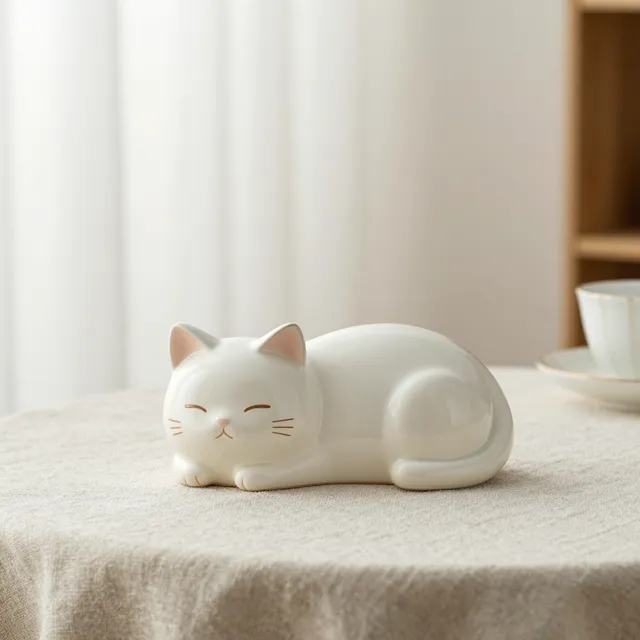
"seed": 3
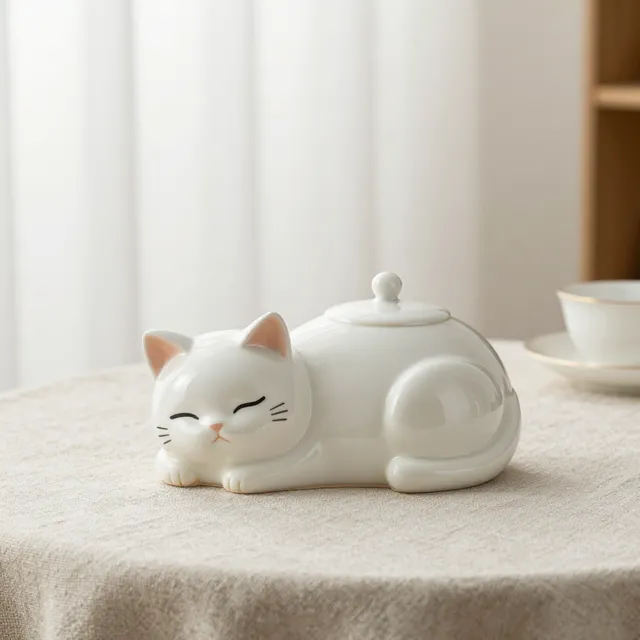
"seed": 4
A ceramic teapot shaped like a sleeping cat on a linen tablecloth, soft window light, product photography
| Field | Values | Default | Notes |
|---|---|---|---|
prompt | string | none | Required. Sent to the model as written. |
model | z-image-turbo, flux-2-klein-4b | z-image-turbo | Which image model runs the job. |
resolution | 1k | 1k | Sets the long edge: 1024 px. |
aspect_ratio | ten ratios, see below | 1:1 | Sets the short edge from the long edge. |
num_outputs | 1 to 4 | 1 | Images in one job, billed per image delivered. |
output_format | png, jpeg, webp | png | Re-encoded on the server. JPEG turns transparency white. |
output_quality | 1 to 100 | 90 | For jpeg and webp only. |
seed | integer | random | Same seed and request give the same image. |
preset | slug or slug@version | none | A Windpaint prompt template with default settings. |
moderation | auto, low | auto | low relaxes every category except the hard ones. |
webhook_url | https URL | none | Signed POST when the job finishes. |
retention_days | 1 to 365 | org setting | Keep these outputs for fewer days. |
image.generate takes no input assets, no duration and no quality. Fields the model doesn't support are rejected with 422, not silently ignored.
Pick the ratio for the composition instead of describing it in words. The price depends only on the tier.
A red fox trotting through a snowy birch forest at dawn, soft pink light, wildlife photography
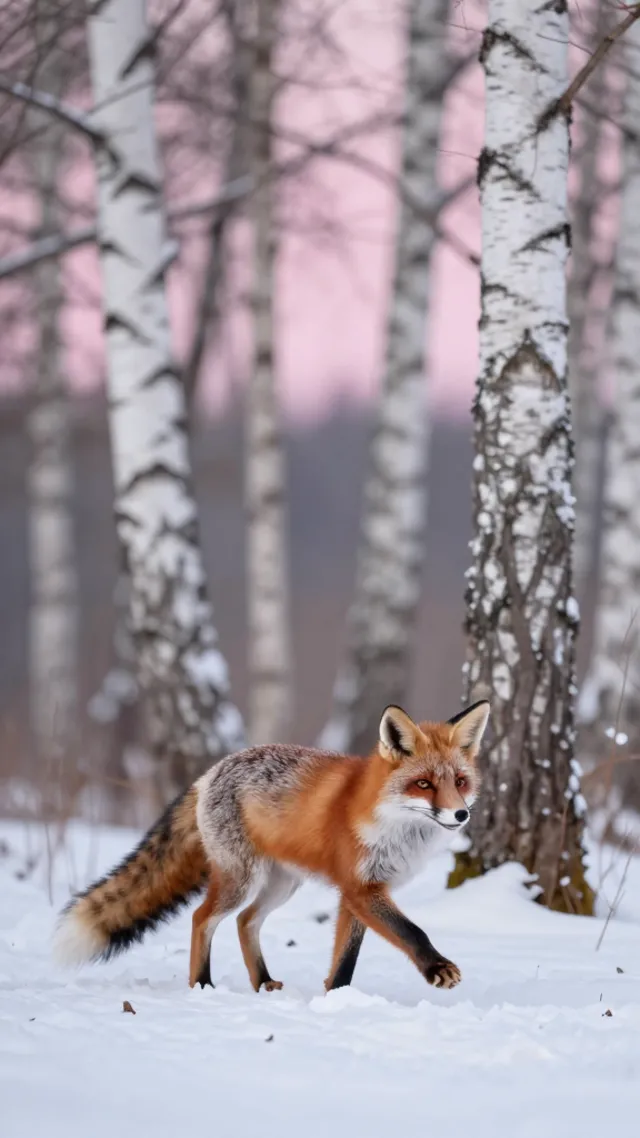
9:16
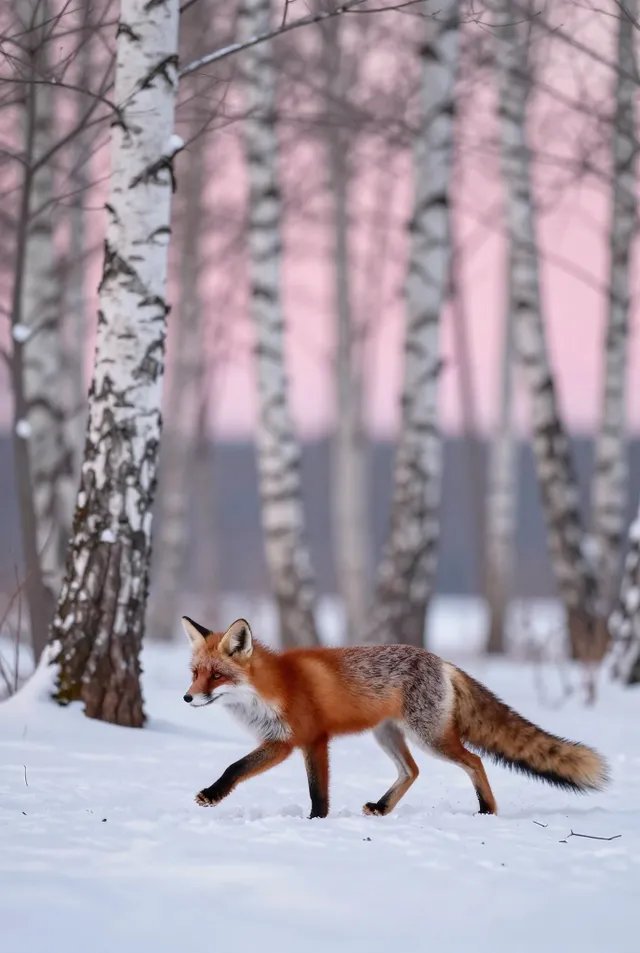
2:3
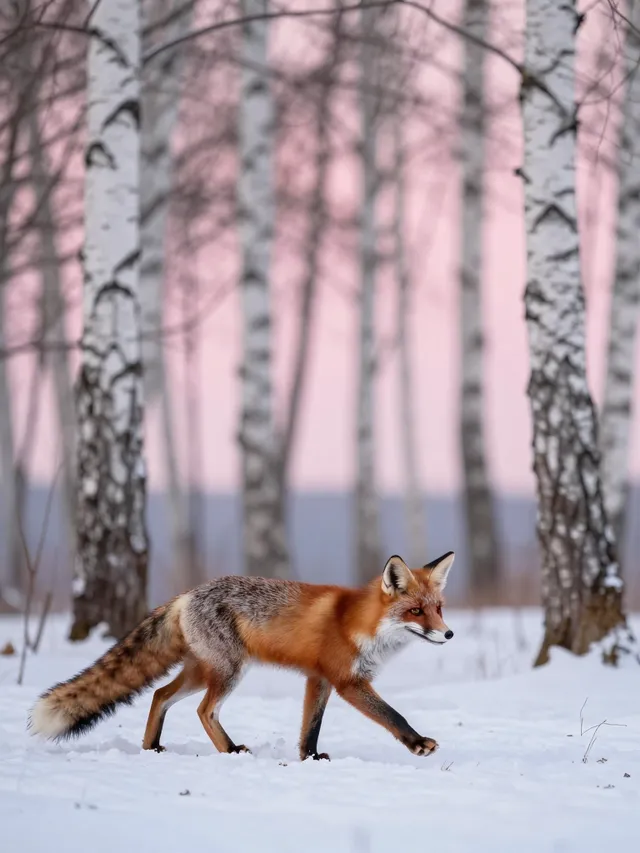
3:4
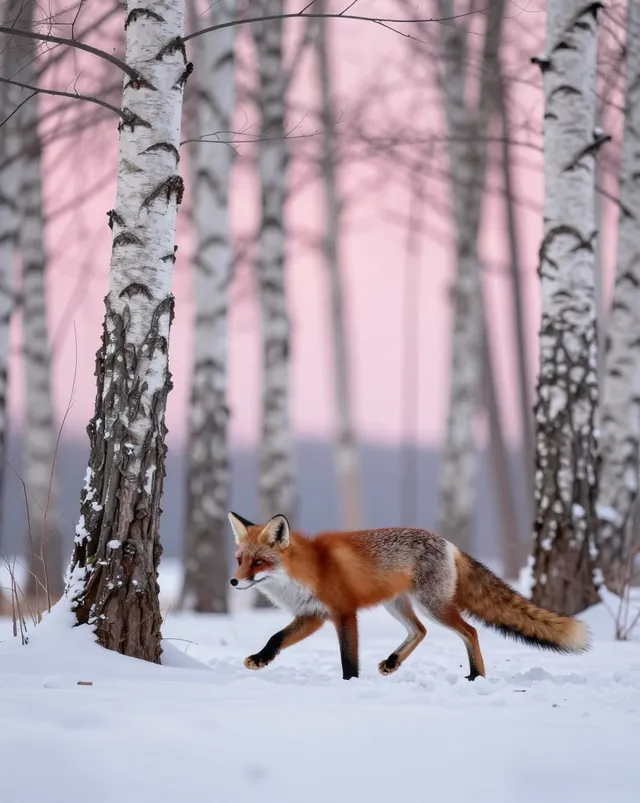
4:5
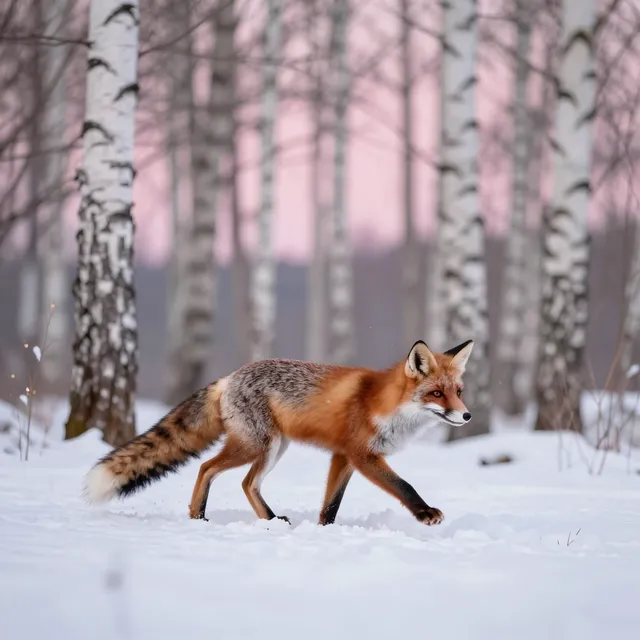
1:1
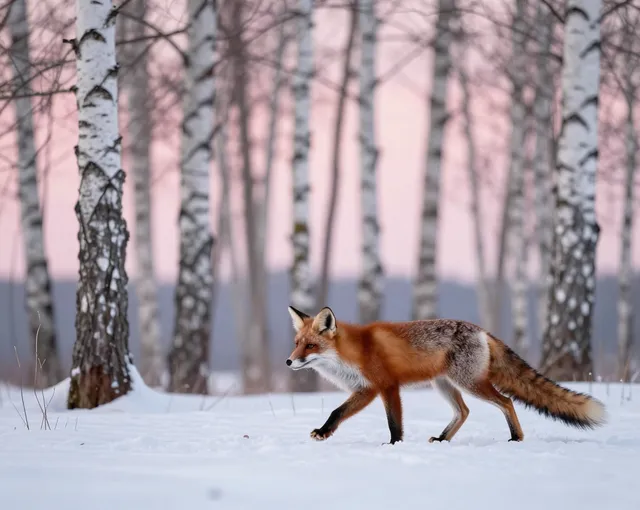
5:4
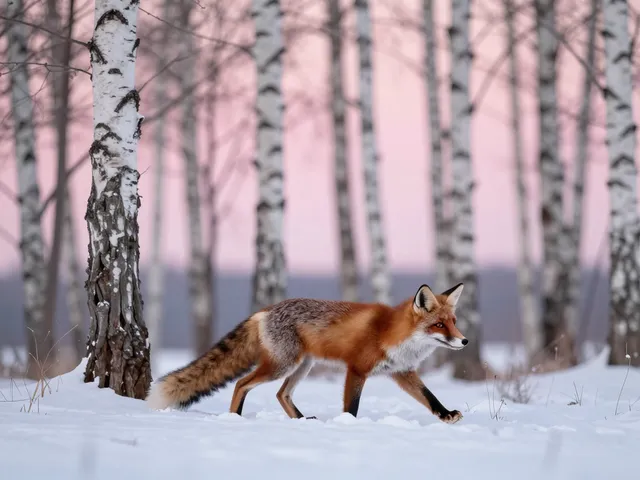
4:3
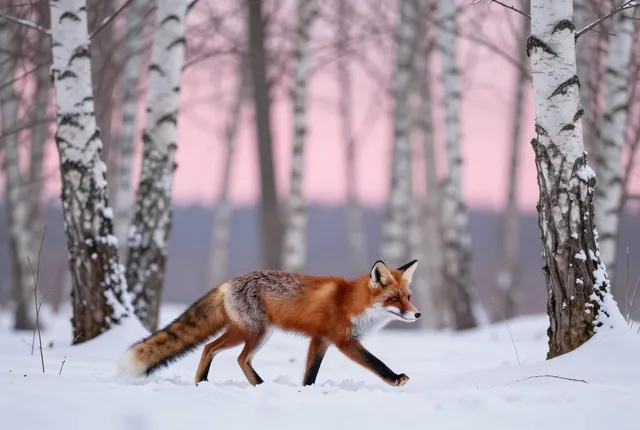
3:2
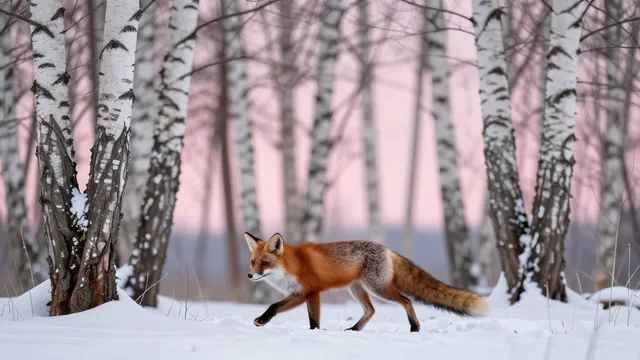
16:9
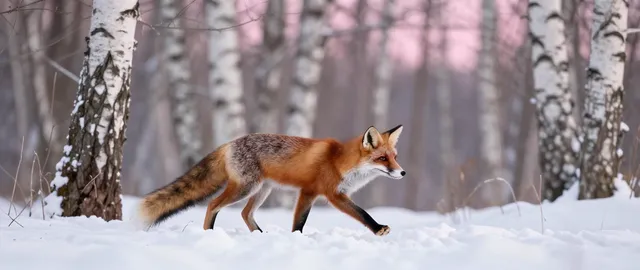
21:9
The 1k tier fixes the long edge and the aspect ratio sets the other, rounded to the nearest multiple of 16, so a few sizes aren't the exact ratio. Crop afterwards if you need an exact size.
POST / returns the width, height and price for any request without running it.
Presets are named, versioned prompt templates that Windpaint maintains. Add one to a request and your prompt becomes the subject.
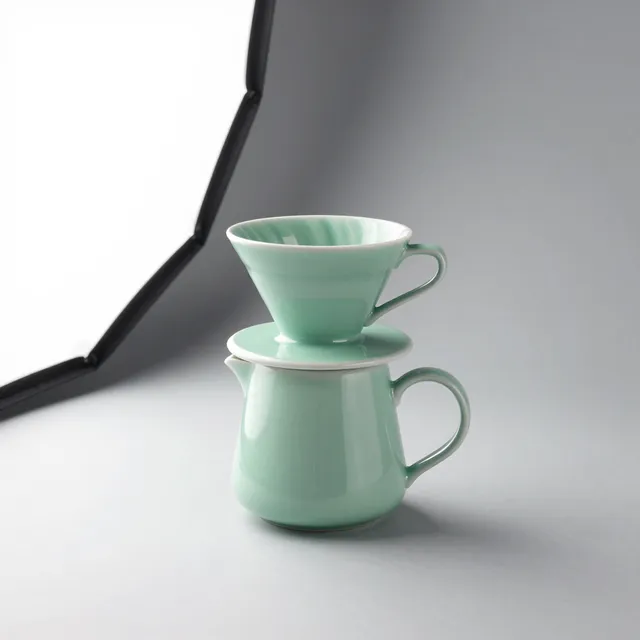
Product shot on seamlessA matte mint-green ceramic pour-over coffee set
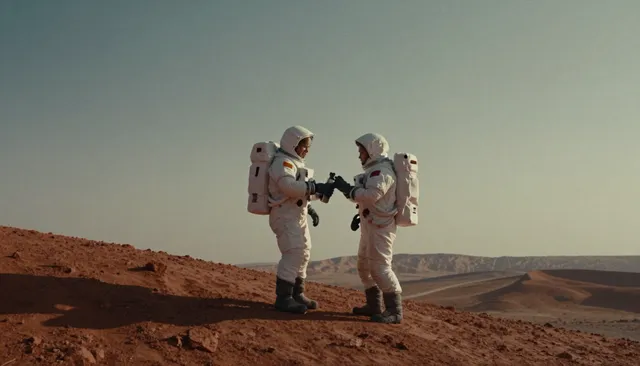
Cinematic stillTwo astronauts sharing a thermos on a dusty red ridge
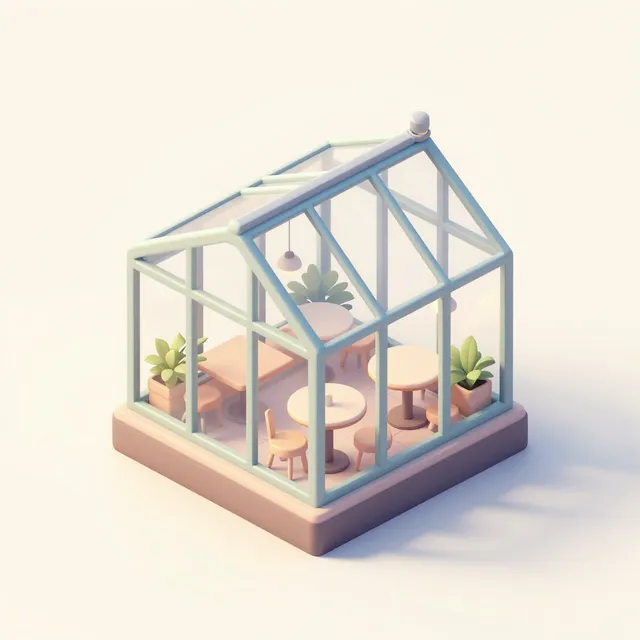
Isometric illustrationA tiny rooftop greenhouse cafe
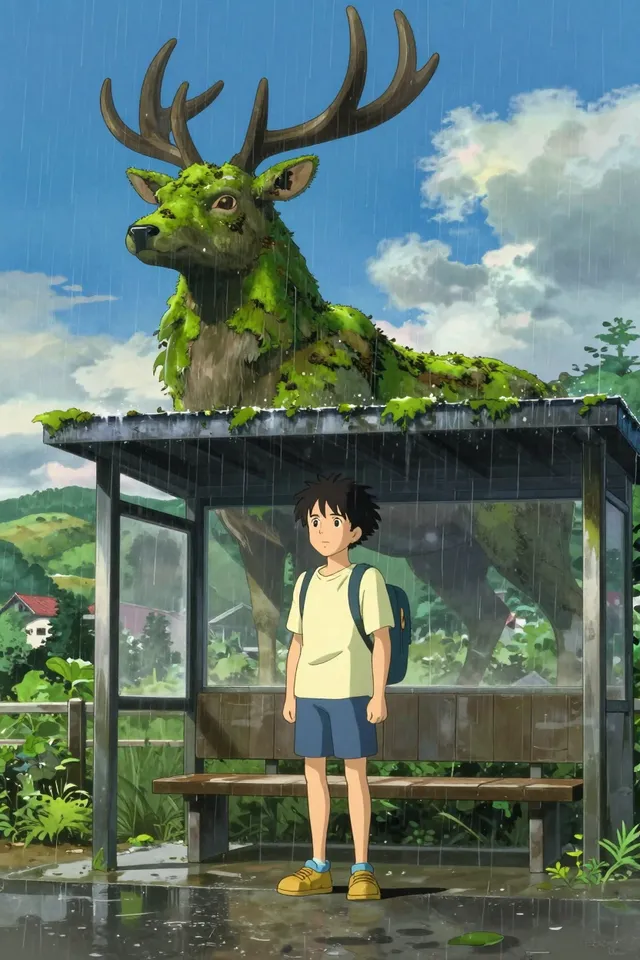
Anime key artA boy waiting at a rural bus stop in the rain beside a giant moss-covered stag spirit

Editorial portraitA ceramicist in her studio with clay on her hands

Flat vector illustrationA city park on a sunny Sunday
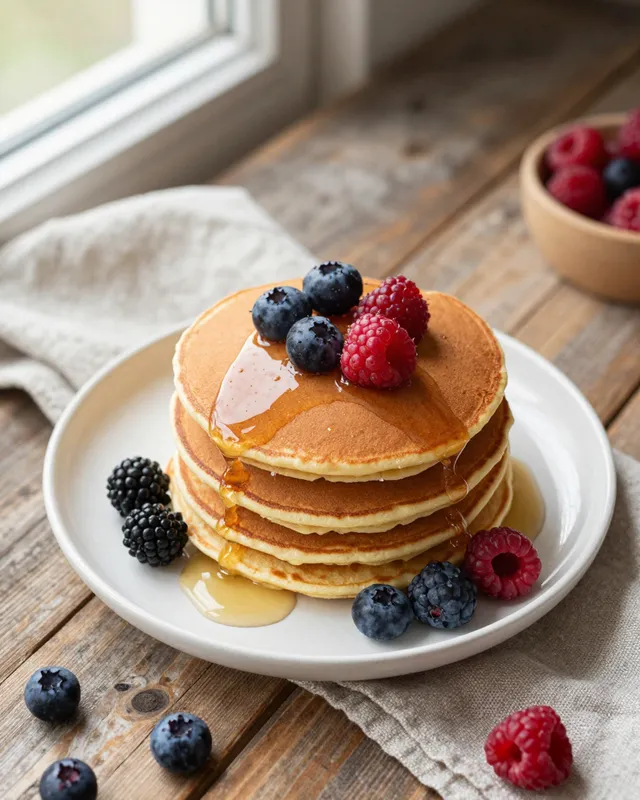
Overhead food photoA stack of buttermilk pancakes with berries
Image presets. All run at 1k.
curl -X POST https://api.windpaint.ai/v1/generation/capabilities/image.generate \ -H "Authorization: Bearer $WINDPAINT_API_KEY" \ -H "Content-Type: application/json" \ -d '{"prompt": "a matte black ceramic mug", "preset": "product-shot@1"}'product-shot, "a matte black ceramic mug" becomes a studio product photograph of the mug on a seamless light grey backdrop.slug@1 so a later change to the template doesn't change your results.z-image-turbo follows plain, descriptive sentences better than lists of keywords. Windpaint sends your prompt as written.
Start with what the image is of, then the setting, then lighting, camera and style. The model pays most attention to what comes early.
"A woman in her sixties with short grey hair, wearing a yellow raincoat" gives the model far more than "a woman". Name materials, colors, counts and positions.
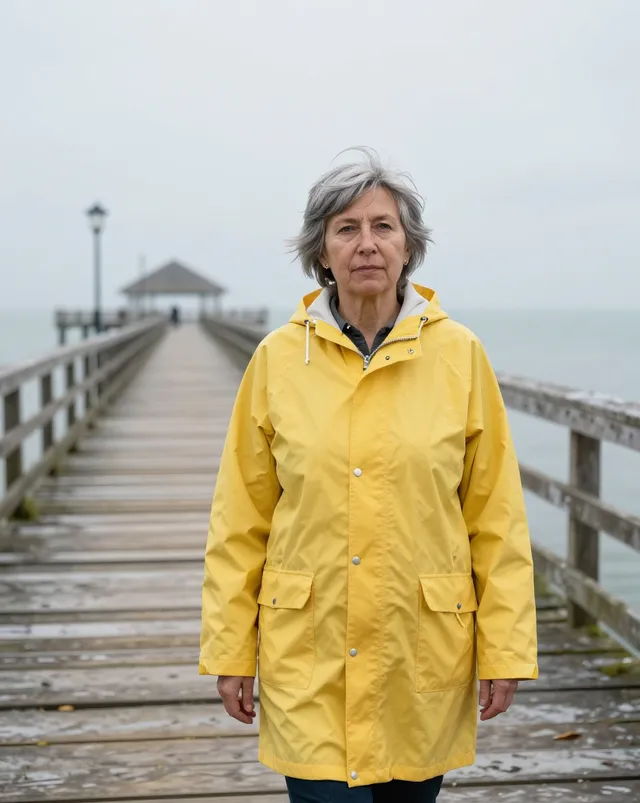
A woman in her sixties with short grey hair, wearing a yellow raincoat, standing on a windy pier, overcast light, 50mm photo
Say "studio product photo", "35mm film photo" or "flat vector illustration", and describe the lighting. Without a medium the model picks one.
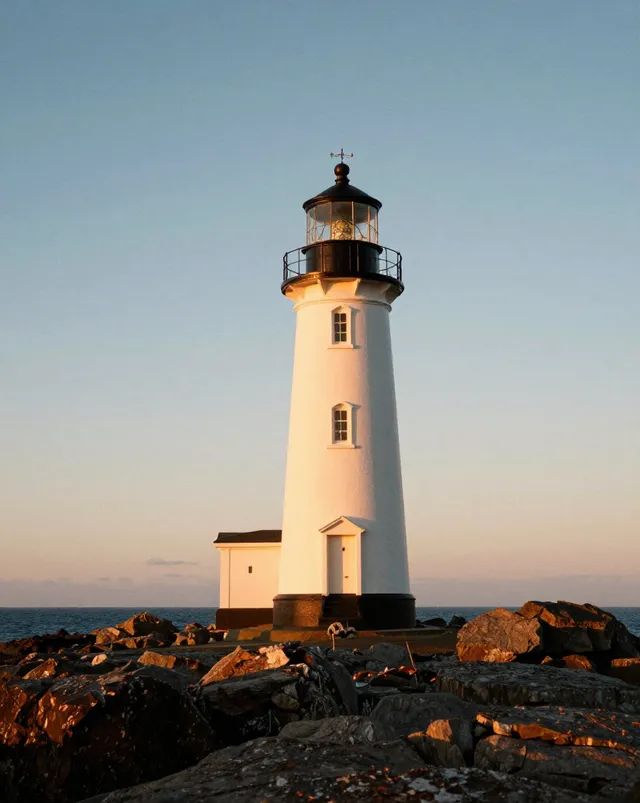
A lighthouse on a rocky point at golden hour, 35mm film photo, warm side light, fine grain
There's no negative prompt and no prompt rewriting. Describe the scene you want: "an empty street at dawn", not "no people".
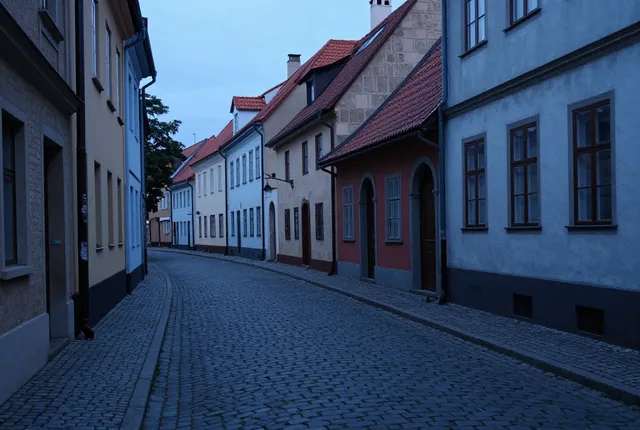
An empty street at dawn in an old European town, cobblestones, soft blue light, quiet
Put words in quotes and say where they go: a shop sign that reads "OPEN LATE". Short text works better than long. Check the letters in the result.
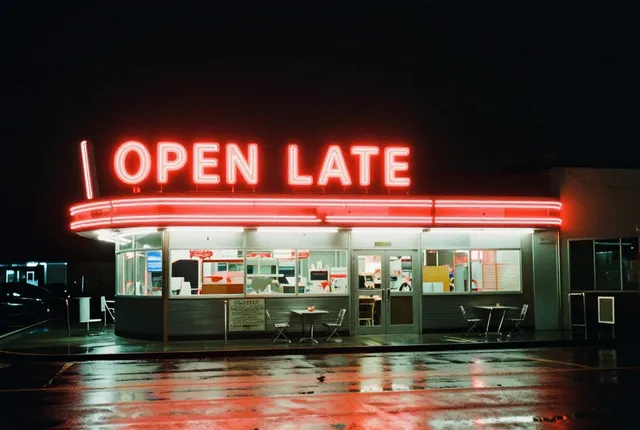
A vintage diner at night with a red neon sign that reads "OPEN LATE", wet street reflections, 35mm photo
Keep the seed the same while you edit the wording so changes come from the prompt. Changing the aspect ratio gives a related but different image.
| Use | Prompt | Settings |
|---|---|---|
| Product shot | A matte black ceramic coffee mug on a pale oak table, studio product photo, soft light from the left, plain light grey background, shallow depth of field | 1k, 1:1 |
| Editorial photo | A fisherman mending a green net on a wooden dock at dawn, low fog over the water, muted colors, 35mm film photo, natural light | 1k, 3:2 |
| Illustration | Flat vector illustration of a bicycle courier riding through a city at night, limited palette of navy, orange and cream, clean shapes, no outlines | 1k, 4:5 |
| Cinematic still | A paper boat floating on a rain-soaked city street at dusk, puddles reflecting warm shop lights, low camera angle, cinematic photo | 1k, 16:9 |
More examples, and how seed, ratio and tier change a result, are in the prompting guide.
Every generation is an asynchronous job. Pick whichever way of getting the result fits your code; the job is the same.
Send Prefer: wait and the submit returns 200 with the finished job, outputs included. If it takes longer than you allowed, you get the normal 202 and carry on polling.
Up to 60 seconds
Every submit returns a request_id and a status_url. Poll it with backoff, or open the job's Server-Sent Events stream for queue position, progress and log lines.
GET status or /stream
Pass webhook_url and Windpaint POSTs the job's status when it finishes, signed to the Standard Webhooks spec and retried if your endpoint doesn't answer.
Optional started event
Prices are per output at the tier you ask for. See pricing for credits, top-ups and storage.
| Tier | Model | Output | Credits | USD |
|---|---|---|---|---|
1k | 1024 px long edge | 0.08 per image | $0.004 |
1k: 0.08 credits on z-image-turbo and 0.1 on flux-2-klein-4b. Four z-image-turbo images in one request hold 0.32 credits.failed, nsfw and canceled jobs release it in full.Idempotency-Key header so a retried submit returns the original job instead of creating and billing a second one.Every request is checked against Windpaint’s content policy.
422 moderation.input_blocked, no job is created and nothing is held.nsfw, no output and no charge.moderation: "low" blocks only content that very clearly falls into a category. Hard categories are blocked at every level.Z-Image Turbo. Fast, 8-step text to image.
z-image-turboIt’s the default image model, so a request without model runs it. The other live image model is flux-2-klein-4b. Name the model when you need it fixed. Model details.
Both run on image.generate. Leave model out for z-image-turbo, or send "model": "flux-2-klein-4b".
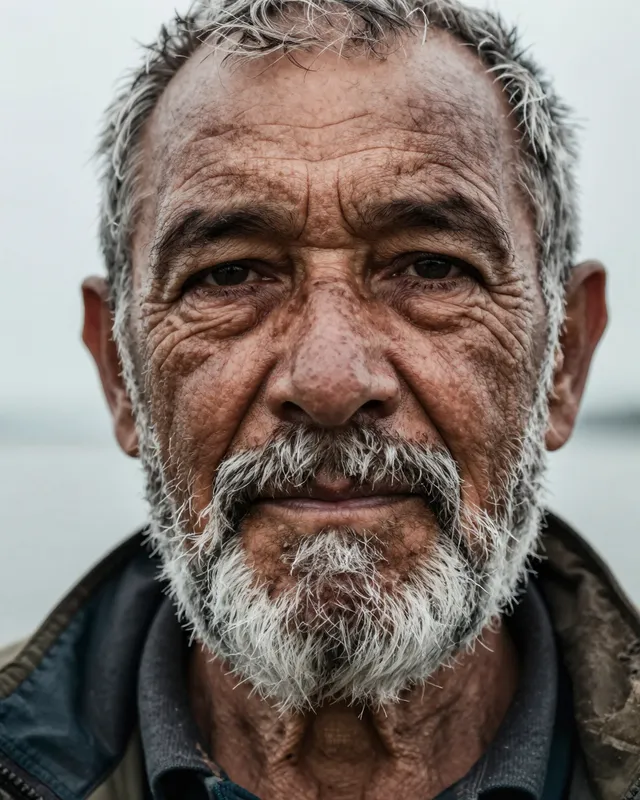
Z-Image TurboLive
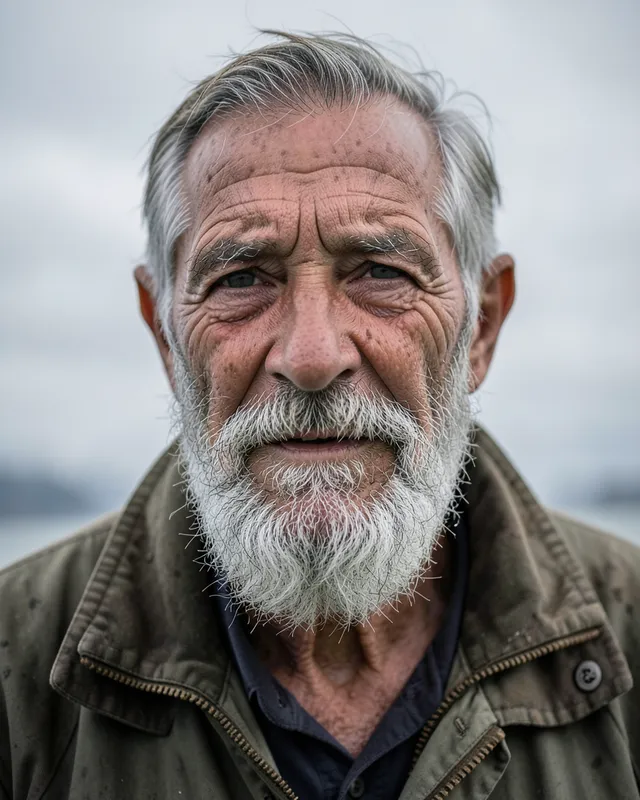
FLUX.2 [klein] 4BLive
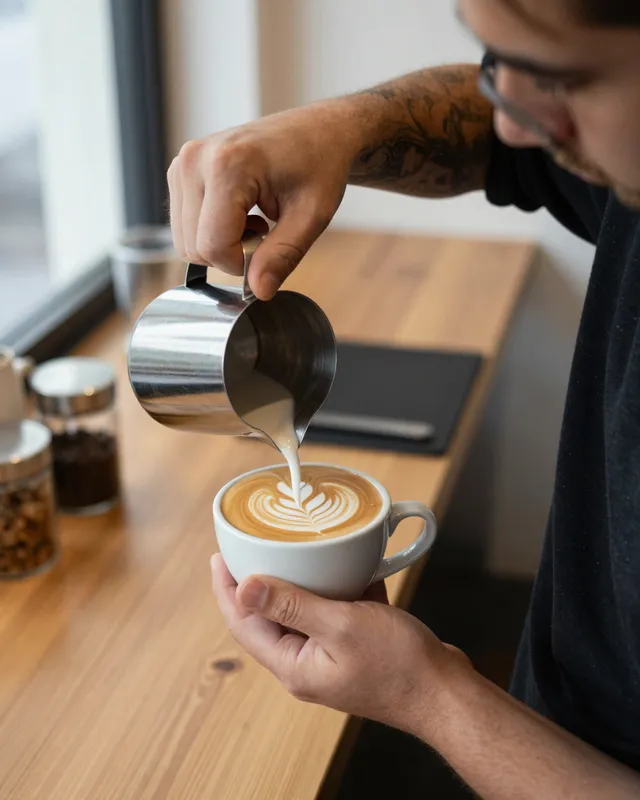
Z-Image TurboLive
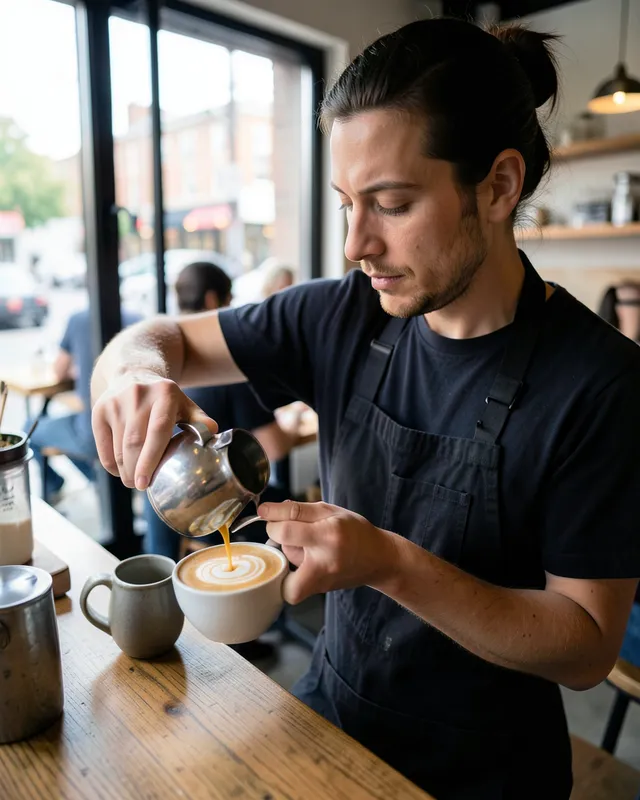
FLUX.2 [klein] 4BLive
z-image-turbo by default, or flux-2-klein-4b if you name it in the model field. Both are Apache-2.0 text-to-image models. Leaving model out runs z-image-turbo, and the job's status always reports which model ran.
Yes, if you send a seed. The same prompt, model, resolution, aspect ratio and seed give the same image. The API doesn't report the seed it picked when you leave it out, so send one whenever you might want the image again.
No. Describe what you want in the frame instead. Writing 'no people' can make people more likely, because the word is in the prompt.
Not today. image.generate takes a prompt only and returns 422 if you send inputs. Image editing is defined in the API schema but has no model yet, so it can't be submitted.
Nothing. Credits are held at submit and charged only when the job completes. Failed, blocked and canceled jobs release the hold in full. If you ask for four images and fewer come back, you pay only for the ones delivered.
Images usually finish within seconds, so sending Prefer: wait is the simplest option: the API holds the response for up to 60 seconds and returns the finished job. If it isn't done in time you get the normal 202 and can poll, stream or use a webhook.
For your organization's retention period, which is 7 days unless you change it. The first 7 days of storage for every asset are free. You can shorten retention per request with retention_days.
Request early access. We’ll email you when your account is approved, with 200 free credits to spend in the first 30 days.