Game asset set.
A matching set of item icons from one style prompt, cut out and packed into a sprite atlas for Phaser, PixiJS or your engine.

- Stack
- Python 3.10+, httpx, Pillow
- Needs
- API key and credits
- Uses
image.generate, num_outputs, seeds, idempotency keys
Twenty icons that look like one set.
Generating game assets one prompt at a time drifts: each icon gets its own medium, angle and lighting, and a sword from Monday doesn't match a shield from Friday. Regenerating one later without a seed gives you a different image.
The recipe builds every prompt from one style template with only the subject swapped in, derives a fixed seed from each asset's name, and records each job in a manifest. Then it cuts the picked candidates out of a flat background and packs them into a sprite atlas your engine can load.
How it fits together.
The recipe in order, from the first request to the saved file.
One template, many subjects
STYLEfixes the medium, view, outline, light and a flat magenta background. Each asset inASSETSonly supplies{subject}.Four candidates per asset
One
image.generatesubmit per asset withnum_outputs: 4,aspect_ratio: "1:1"and a seed fromcrc32(name), so the same prompt gives the same four images.Record and download
The
Idempotency-Keyandrequest_idgo intomanifest.jsonbefore anything else. Every candidate lands incandidates/, and a re-run skips finished assets.Pick
Write the index you want per asset into
picks.json. Anything you don't set uses the first candidate.Cut out and pack
Pillow keys out the magenta, trims to the object and centers it in a 128 px cell.
atlas.pngandatlas.jsoncome out in the TexturePacker JSON hash layout.
The core of it.
An excerpt from the recipe. The full version runs as-is.
STYLE = ( "hand-painted fantasy RPG inventory icon of {subject}, a single object centered, " "three-quarter view, bold dark outline, soft cel shading, warm light from the top left, " "isolated on a solid flat pure magenta background, no ground shadow, no text")for name, subject in ASSETS.items(): body = { "prompt": STYLE.format(subject=subject), "aspect_ratio": "1:1", "resolution": "1k", "num_outputs": 4, "seed": zlib.crc32(name.encode()), # same name, same candidates } entry = manifest.get(name) if not entry or entry["body"] != body: # new asset, or its prompt changed entry = manifest[name] = {"body": body, "key": str(uuid.uuid4())} save(MANIFEST, manifest) # persist the key before the first attempt if not entry.get("request_id"): entry["request_id"] = submit(body, entry["key"]) save(MANIFEST, manifest)The full script adds the submit retries, polling, downloads, the colour key and the atlas packing, plus a pack command that runs locally for free.
Art for the whole game.
Icons, props, tiles, characters and scenes from Z-Image Turbo, each with its prompt and seed. In the recipe, STYLE sets the look once and only the subject changes.
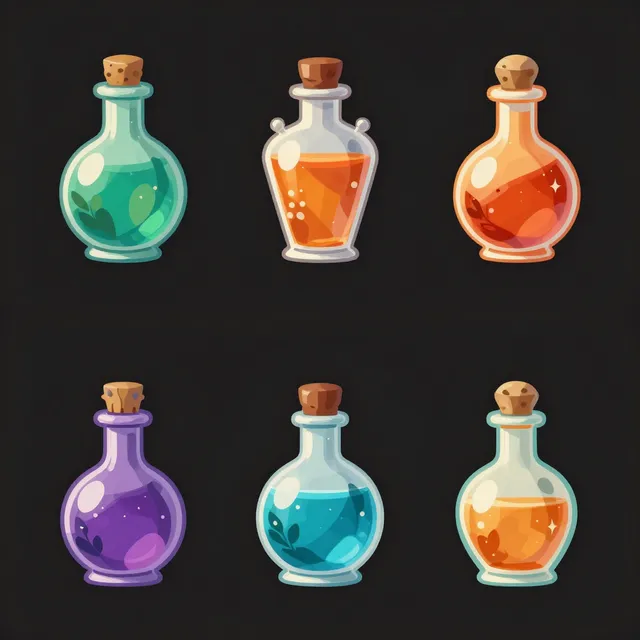
Game item icons of six fantasy potion bottles in different colors arranged in a neat grid on a plain dark background, painterly stylized…
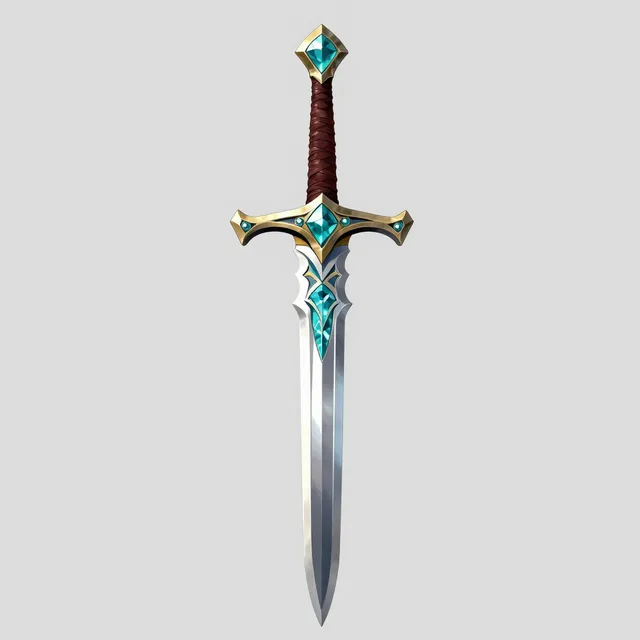
Game asset of an ornate fantasy sword with a teal crystal pommel, stylized hand-painted texture, isolated on a plain light gray background
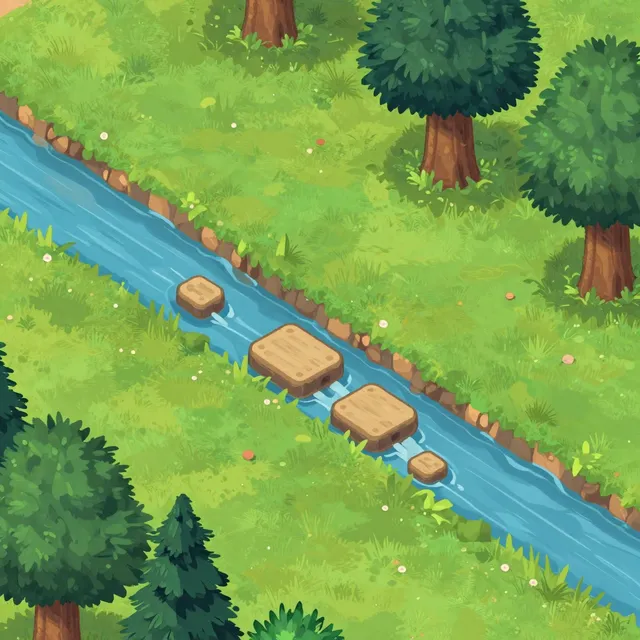
Top-down 2D game environment of a forest clearing with a stream and stepping stones, hand-painted stylized art, vibrant colors

Item iconsGrid of nine fantasy RPG item icons, a key, a shield, a scroll, a gem, a boot, an apple, a lantern, a coin and a bow, stylized painted…
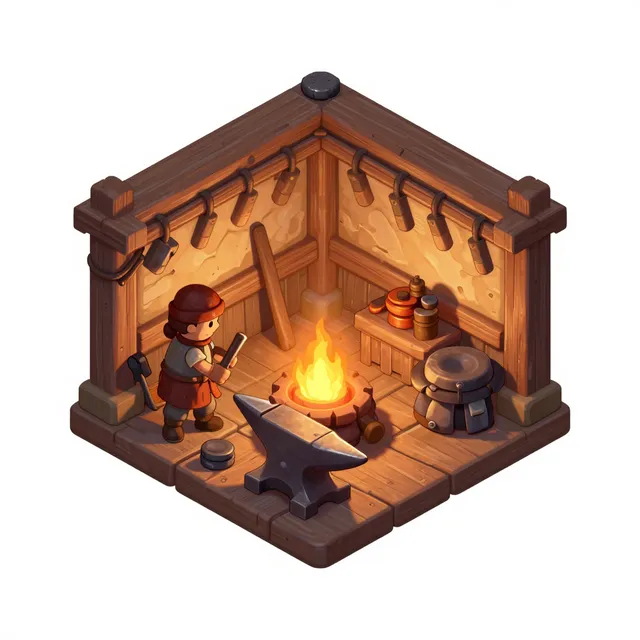
IsometricIsometric game tile of a cozy blacksmith workshop with an anvil and glowing forge, hand-painted, plain background

Anime characterAnime game character portrait of a cheerful mage with a teal cloak and a glowing staff, cel-shaded, plain light background
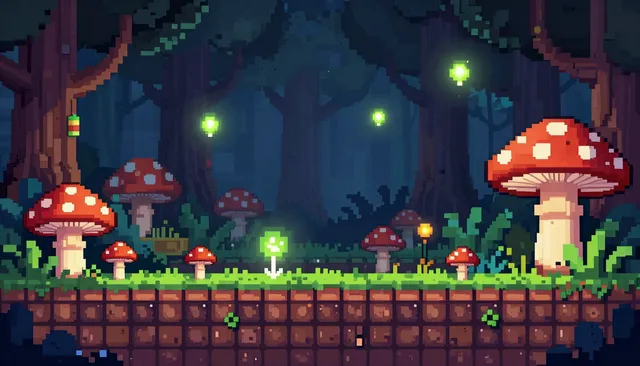
Pixel artPixel art side-scrolling platformer level in a mushroom forest, glowing spores, detailed 16-bit style
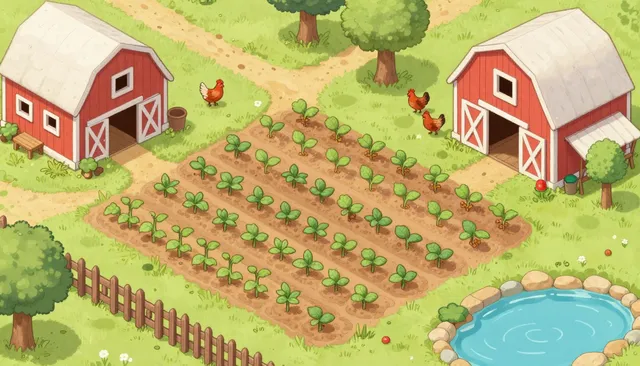
Cozy simTop-down cozy farming game scene with crop rows, a red barn, chickens and a pond, soft pastel hand-drawn style
Change one part.
The same script, adjusted for other kinds of asset.
| Change | How |
|---|---|
| Your own art style | Rewrite STYLE once for the whole set. Name the medium, view, outline and light; keep {subject} as the only part that changes. |
| Pixel art | Ask for it in STYLE, pack at a small cell such as 32 px, and resize with nearest-neighbour so edges stay hard. |
| A pink or purple item | Switch the key colour and the prompt to flat green for that asset, so the colour key doesn't eat the subject. |
| Portraits and backgrounds | Use 3:4 for character portraits. For title screens and backgrounds, skip pack and use the candidates at 16:9 or 21:9. |
| Animated key art (coming soon) | Once video is live, pass a candidate's asset id as the start_frame of a video.generate job for a 5 second menu loop or trailer shot. |
| Isometric props | The isometric-illustration preset gives a consistent isometric look for props you place on a scene. |
What a run costs.
Priced per output at the tier the recipe uses. The price is fixed when each job is submitted.
$0.096a run, or 1.92 credits
| Step | Model | Tier | Count | Credits | USD |
|---|---|---|---|---|---|
| Icon candidates, 6 assets × 4 | 1k | 24 × 0.08 | 1.92 | $0.096 | |
| Total | 1.92 | $0.096 |
Questions.
Can the API return sprites with a transparent background?
Not directly. z-image-turbo doesn't output transparency, so the recipe asks for a flat magenta background and keys it out locally with Pillow. A mask.segment capability that cuts out a subject is listed in the catalog but has no model yet.
How do I keep a set consistent as it grows?
Keep one style template and change only the subject, and send a seed with every request. The recipe derives the seed from the asset's name, so adding a new asset or rewording one leaves every other asset's candidates exactly as they were.
Which engines can load the atlas?
atlas.json uses the TexturePacker JSON hash layout, which Phaser and PixiJS load directly. Other engines can use the individual PNGs in sprites/, or an importer for that format.
Can I use the generated assets in a commercial game?
The recipe runs on z-image-turbo, which is released under Apache-2.0, a licence that allows commercial use. Outputs are kept for your organization's retention period, 7 days by default, so copy the ones you ship into your own repository.